job-search
Best Job Application Tracker: 7 Tools Ranked for 2026
By Joe Ham · May 1, 2026 · 5 min read
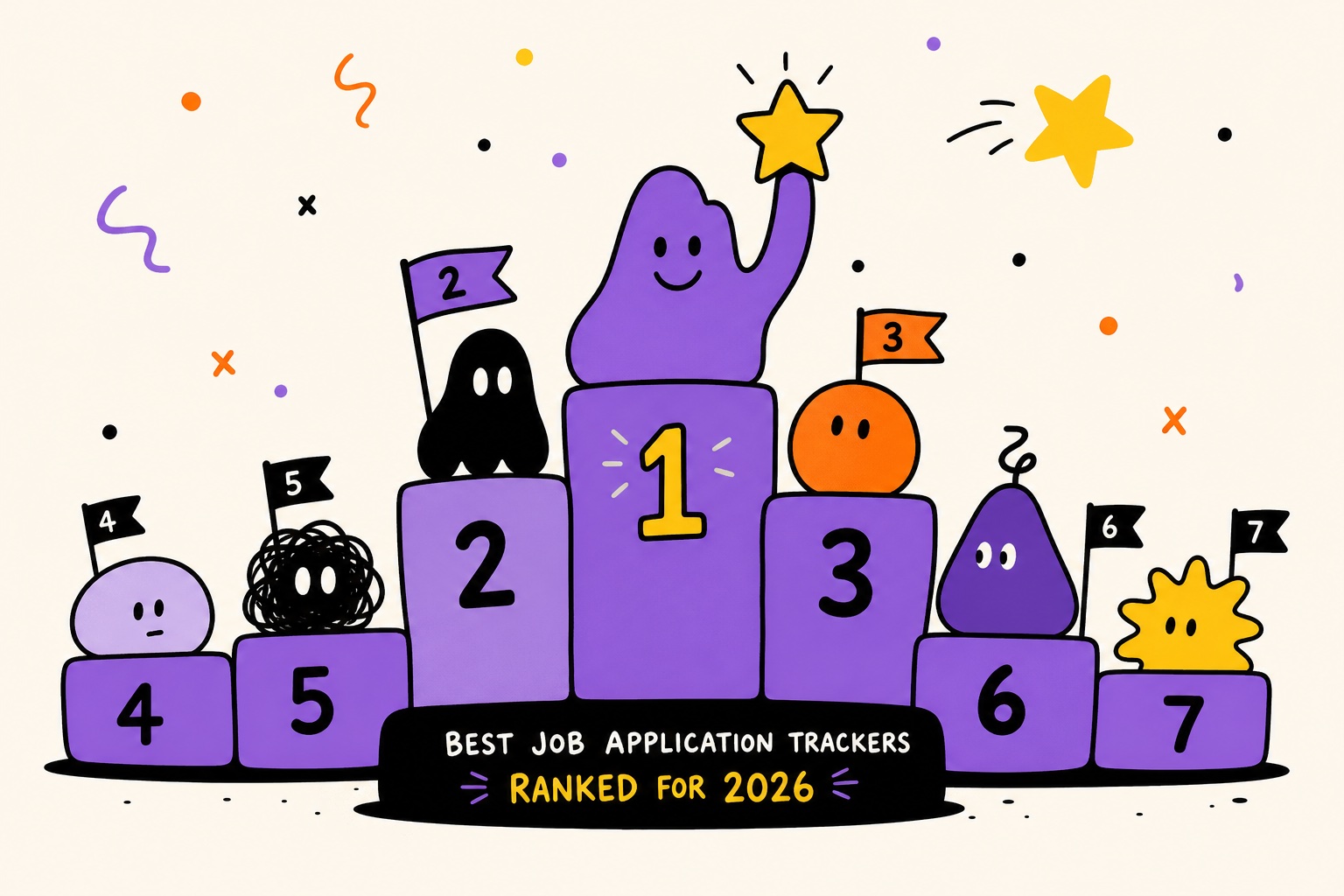
Applying for jobs without a system is like grocery shopping without a list. You end up forgetting things, doubling up, and wondering why you're stressed.
If you've ever lost track of an application or missed a follow-up deadline, you need a system. Finding the best job application tracker is the smartest move an active job seeker can make.
This roundup breaks down the top tools available in 2026. We'll cover what features actually matter and which option is worth your time.
Why You Need a Job Application Tracker
Let's be honest about the problem. The average job seeker submits dozens - sometimes hundreds - of applications before landing an offer.
Without a structured way to track those applications, things fall through the cracks fast.
Here's what tends to go wrong without a tracker:
- Missed follow-ups: You applied two weeks ago and forgot to check in.
- Duplicate applications: You accidentally apply to the same role twice.
- Forgotten context: You can't remember what resume version you submitted.
- Interview blind spots: You show up unprepared because you mixed up company details.
A solid job application tracker solves all of this. Which one is right for you?
The 7 Best Job Application Trackers Compared
1. Role Trackr
Built specifically for job seekers who are serious about their search. Role Trackr keeps every application, status update, and follow-up in one clean dashboard.
Unlike general productivity tools, Role Trackr works right out of the box. It features a workflow that mirrors how job searching actually happens.
Standout features help you take action and tell you what to do when. It takes the emotion out of it, treating your search like a sales process.
You get email templates, sequences, tasks, and automated follow-ups pending your approval. Most tools help you farm - Role Trackr helps you hunt.
Best for: Active job seekers who want a dedicated, no-friction tracker without the setup overhead.
2. Notion (with a Job Search Template)
Notion is a flexible workspace tool. Many job seekers repurpose it for tracking using community-built templates.
It's free at the basic tier and highly customizable. The downside? You're building and maintaining the system yourself.
Best for: Notion power users who want full control over their workspace.
3. Google Sheets
The classic DIY option. A spreadsheet gives you complete flexibility, costs nothing, and works anywhere.
The problem is that spreadsheets don't do anything for you. There are no reminders, no visual pipeline, and no built-in prompts.
Best for: Casual job seekers or those who want a zero-cost starting point.
4. Huntr
Huntr is a browser extension and web app combination. It allows you to save job postings with one click and track them through a Kanban-style board.
The free tier is somewhat limited in the number of jobs you can add. Still, it's a polished dedicated job tracking tool.
Best for: Visual thinkers who want a Kanban-style workflow.
5. Teal
Teal combines a job tracker with a resume builder. You can track applications, build tailored resumes, and get keyword matching suggestions.
It's a strong option if you're actively iterating on your resume. However, the feature depth means there's more to learn.
Best for: Job seekers who want resume optimization and tracking in one place.
6. Trello
Trello is a general project management tool adapted for job searching. Cards represent applications, and lists represent stages.
The limitation is configuring a general tool to fit a specific use case. It works, but it doesn't feel native to the job search process.
Best for: Trello users who want to keep everything in one existing ecosystem.
7. Airtable
Airtable sits between a spreadsheet and a database. For technically inclined users, it's extraordinarily powerful.
The trade-off is complexity. Setting up a genuinely useful Airtable base takes time and technical comfort.
Best for: Analytical job seekers who love data and want maximum customization.
What Features Actually Matter
With so many options available, it helps to know what to evaluate. Here are the features that make the biggest difference:
- Status Tracking: See at a glance where every application stands.
- Follow-Up Reminders: Get prompted when it's time to reach back out.
- Notes and Context: Add salary details, recruiter names, and resume versions.
- Ease of Use: The best tracker is the one you'll actually maintain.
- Cross-Device Sync: Access your pipeline from your phone or laptop.
How to Choose the Right Tool
Here's a simple decision framework for your search:
- Starting out free and fast: Google Sheets or Notion.
- Active, high-volume search: Role Trackr handles the structure for you.
- Need resume help: Teal is worth evaluating.
- Deep in an ecosystem: Adapt Trello or Notion.
Tips for Getting the Most Out of Any Tracker
- Log every application immediately, not in batches.
- Set follow-up reminders for 5-7 business days after applying.
- Note specific job description details to prepare for interviews.
- Review your pipeline weekly to identify cold applications.
- Track rejections to understand where you're losing traction.
Final Takeaway
The best job application tracker fits how you actually work. It keeps you consistently on top of your search.
For most active job seekers, that means something purpose-built, easy to maintain, and accessible.
Ready to stop losing track of applications? Start managing your search like a professional with Role Trackr.